
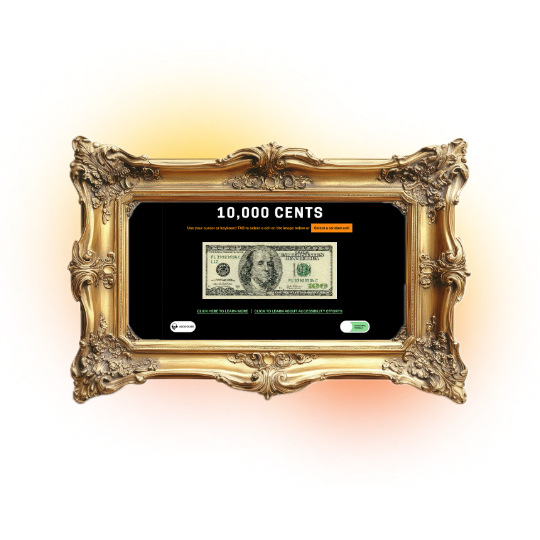
This Cooper Hewitt exhibit locked out blind and visually impaired users. The original experience was built entirely around mouse-driven, visual interaction with no support for screen readers, keyboard navigation, or users with motor impairments.
We audited the exhibit to find its accessibility gaps, redesigned the core interaction model, and delivered a fully accessible, multisensory experience.
4 Person Design & Research Team
January 2025 - May 2025
Prototype Delivered
I led UI design and UX research on this project, working along fellow UI/UX consultants and Museum Studies experts from Pratt's Center for Digital Experiences.
Our research looked for the balance between the visual integrity of the original and the adjustments needed to make it accessible.
Retain the integrity of the original artwork while expanding experience of the exhibit to visitors of all abilities.
Accessibility Audit
Compared aspects of the exhibit to WCAG AA standards to find where the exhibit failed or succeeded in visual accessibility.
Digital Exhibit Prototype
A new exhibit is based on how to improve in the areas where the exhibit did poorly or failed in the prototype.
Each cell shows an image of a section of the bill and its drawing, but nothing describes it to a screen reader. For a blind visitor, the artwork is effectively empty.
The interactive cursor fell below the 24px minimum target size. Visitors with motor impairments had difficulty selecting a cell.
The palette leaned on red and green tones with insufficient contrast, which creates a barrier for visitors with color vision deficiency.
The new exhibit supports keyboard navigation, so visitors who can’t or don’t use a mouse can explore it. Content that used to appear only on mouse hover can now be reached with the keyboard, in a logical, predictable order. This supports conformance with WCAG 2.1, ADA Title III, and Section 508.

Working more reliably with screen readers and other assistive technology
Giving keyboard focus to custom elements, such as the image cells, that otherwise can’t be reached
Describing 10,000 cells by hand was unrealistic for a first release, so we paired alt text with a randomizer. It selects a cell at random and reads its description aloud. The randomizer draws from an initial set of 100 cells with written alt text, which keeps the setup workload manageable for the museum while the full set can grow over time.

A shared sense of curiosity. Non-visual users can explore by chance, the way sighted users browse the grid.
Faster navigation. All users can move through the exhibit more efficiently with tab-based selection.
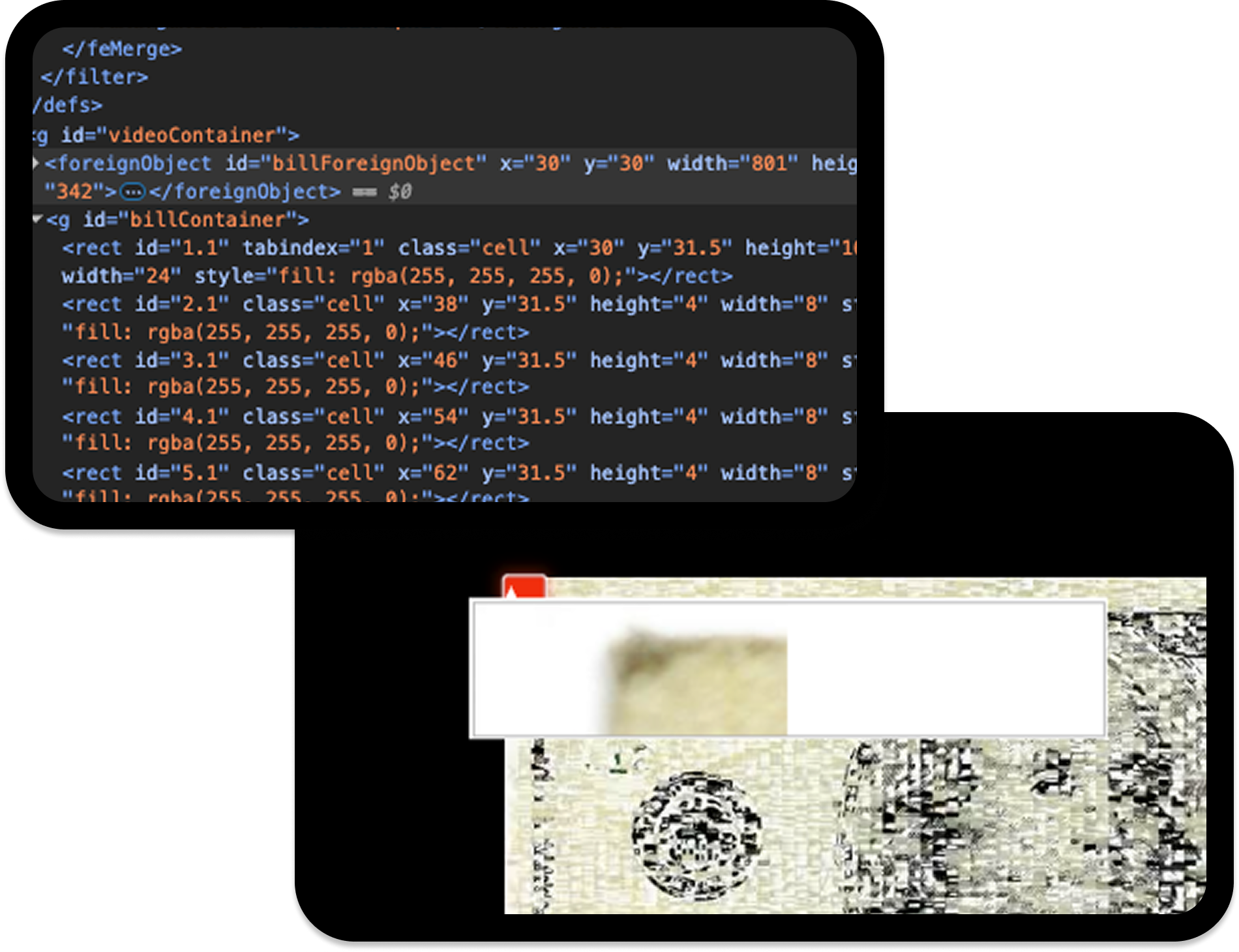
Each cell is rendered as a separate SVG image with a matching video, and the images looked blurry on screen. We recommended that Cooper Hewitt increase the pixel dimensions of the SVG files and update the JavaScript to handle the higher resolution. Clearer images help low-vision visitors and improve the exhibit for everyone.
A voice-over recorded by a museum curator adds arts education and context for each piece. The audio is paired with matching text captions (the alt text). It’s the default experience for all visitors, not an add-on for disabled visitors.
Giving context about the artwork without small text to read
Reducing cognitive load for visitors with learning disabilities and limiting visual confusion
.png)
The Cooper Hewitt team responded most to the multisensory approach and the randomizer. These showed that accessibility decisions can expand an artwork instead of limiting it. They saw how the solutions strengthened public engagement and deepened visitors’ understanding of the work, and they were excited to begin implementing the changes.
The Cooper Hewitt team agreed the prototype would:
Deepen engagement through alt text.Descriptions let non-visual visitors experience each piece instead of skipping it.
Broaden who can take part.Keyboard navigation and audio narration open the exhibit to visitors who can’t use a mouse or rely on sight.
Support all abilities, not just one.Tab index helps visitors with motor, visual, and cognitive disabilities, as well as anyone who prefers using the keyboard.
Offer a better default experience.Because the audio guide and captions are on by default, accessibility reaches everyone and not only people who ask for it.
Fix real barriersThe changes target the specific issues the audit found for visitors with visual and other disabilities.
The redesigned accessibility experience was presented to the Cooper Hewitt team, reimagining 10,000 Cents with screen reader support, keyboard navigation, audio guides, and a toggle between the original and accessible layouts, all while preserving the artistic integrity of the original work.
The project was well received by the Cooper Hewitt team. While the goal was accessibility compliance, what resonated most was the multisensory approach — an interpretation that invited visitors of all abilities to engage with the exhibit in inclusive, interactive ways.
Accessibility and artistic integrity don't have to be in conflict. Thoughtful design can honor an artist's original intent while opening the work up to audiences who would otherwise be excluded from it entirely. If I had the chance to explore user painpoints and accessibility issues after the redesign, I'd question how might blind and deaf users fully engage with the exhibit? How can alt text and narration be expanded to support additional languages?